Understanding TradingView: A Comprehensive Overview
As the trading landscape evolves, having access to advanced tools and resources becomes essential for investors and traders looking to navigate the complex financial markets. TradingView stands out as an all-in-one platform designed specifically to facilitate this process, offering a suite of features that empower users to analyze market data effectively and efficiently. In this article, we will explore what TradingView is, its key features, benefits, and how it can enhance your trading strategies.
What is TradingView and Its Key Features?
TradingView is a state-of-the-art social network for traders and investors that provides real-time market data, interactive charts, and various analytical tools. It caters to a wide range of financial markets, including stocks, forex, cryptocurrencies, and derivatives. TradingView’s interface is intuitive and user-friendly, making complex market analysis accessible to a broad audience.
- Real-Time Data: TradingView offers streaming data from various exchanges worldwide, allowing traders to make informed decisions based on the latest market trends.
- Advanced Charting Tools: Users can customize their charts with numerous indicators, drawing tools, and overlays, which enhance the visualization of price movements.
- Community Insights: The platform fosters a strong community of traders, enabling users to share their ideas, strategies, and insights with others.
- Pine Script Integration: TradingView incorporates its proprietary scripting language, Pine Script, which allows users to create custom technical indicators and backtest strategies.
Benefits of Using TradingView for Market Analysis
TradingView offers numerous advantages for traders looking to refine their analysis and strategy development:
- Centralized Research: With TradingView, you can access charts, market news, and alerts all in one place, simplifying your research process.
- Customizable Alerts: Set alerts based on price action or indicators to stay informed without monitoring the market constantly.
- Cross-Platform Compatibility: Whether you're on a desktop or mobile device, TradingView provides a consistent user experience, ensuring that you can trade from anywhere.
Core Tools for Effective Trading with TradingView
Effective trading relies on the right set of tools. TradingView equips users with a comprehensive suite of features to enhance their trading endeavors:
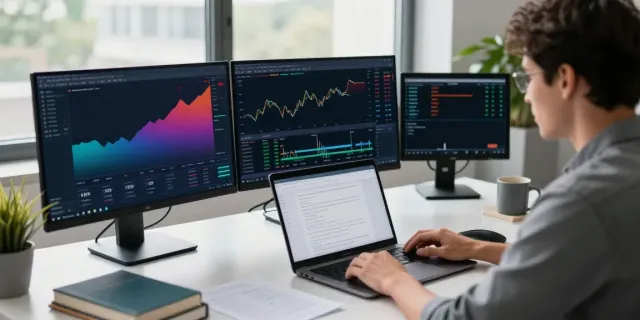
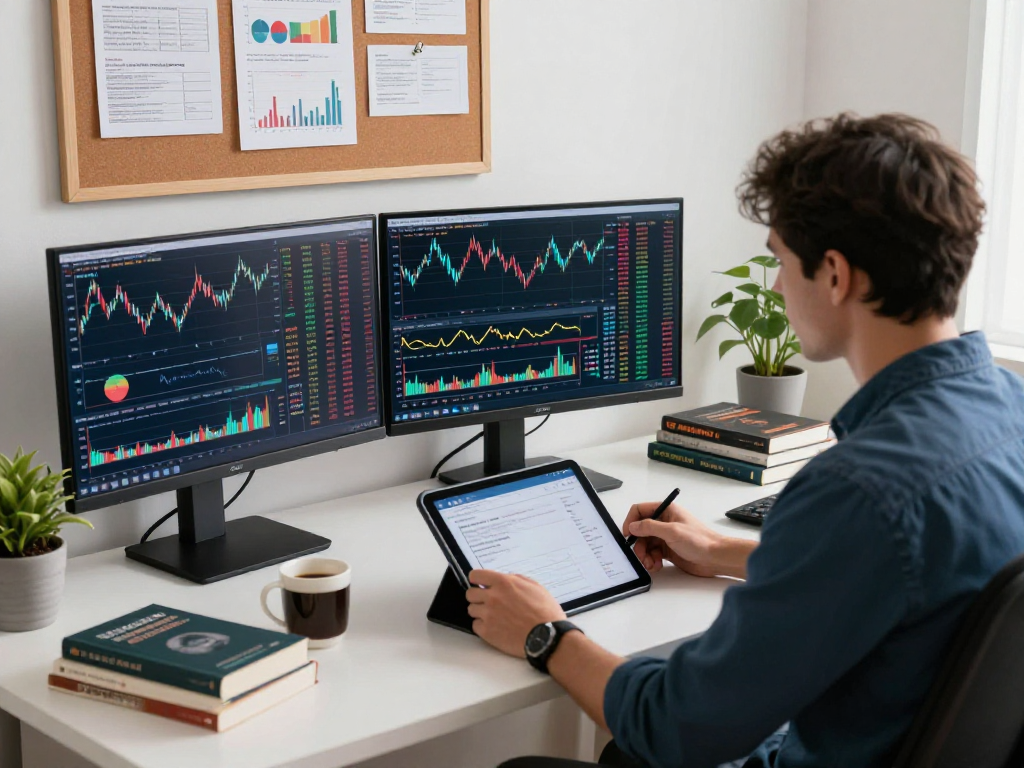
- Supercharts: Multi-layout functionality allows for simultaneous viewing of multiple charts, enabling comparison across different assets.
- Stock and Crypto Screeners: Quickly filter through a vast universe of securities based on your chosen criteria, such as performance metrics or technical indicators.
- Strategy Tester: Test your trading strategies against historical data to evaluate their effectiveness before deploying real capital.
- Financial Calendar: Keep track of upcoming economic events and earnings reports that may affect your investment decisions.
Getting Started with TradingView
Embarking on your TradingView journey is straightforward, allowing you to establish a personalized trading workspace quickly.
Creating Your Trading Account: A Step-by-Step Guide
To begin using TradingView, follow these simple steps:
- Visit the TradingView website and click on the "Join for Free" button.
- Fill out the registration form with your email address and create a password.
- Verify your email to activate your account.
- Once logged in, choose your preferred subscription plan, including free and premium options.
Setting Up Your Workspace and Charts Efficiently
Once you have an account, it's time to customize your workspace:
- Chart Customization: Select your preferred asset and timeframe, then add indicators and drawing tools to tailor the chart to your analysis needs.
- Layout Management: Utilize the multi-chart feature to keep track of various assets simultaneously, allowing for better comparative analysis.
Utilizing Screen Layouts and Widgets for Enhanced Viewing
Take full advantage of TradingView’s layout capabilities:
- Widgets: Integrate real-time market tickers, economic calendars, or news feeds directly into your dashboard for a comprehensive view.
- Layouts: Save your preferred layouts for quick access in future sessions, streamlining your workflow.
Building Your Trading Strategies with TradingView
Creating effective trading strategies involves using rigorous analysis and testing, which is where TradingView excels.
Using Technical Analysis Tools on TradingView
Technical analysis is essential for forecasting future price movements based on historical data. TradingView provides a wide range of built-in indicators, including:
- Simple Moving Averages (SMA)
- Relative Strength Index (RSI)
- Bollinger Bands
- Fibonacci Retracement Levels
By layering these indicators on your charts, you can identify potential entry and exit points for trades.
Integrating Pine Script for Custom Indicators
Pine Script allows users to create unique indicators and trading strategies tailored to their specific needs:
- Script Development: Start with basic scripts and gradually incorporate more complex calculations as your understanding deepens.
- Backtesting Capabilities: Use the Strategy Tester to validate your Pine Script strategies against historical price data.
Backtesting Your Strategies with the Strategy Tester
Backtesting is crucial for assessing the viability of your trading strategies:
- Simulate Trades: Check how a strategy would have performed in past market conditions to refine your approach.
- Risk Management: Analyze metrics such as drawdown and profit factor to ensure your strategy aligns with your risk tolerance.
Maximizing Alerts and Notifications
Staying updated with market changes is vital for successful trading, and TradingView’s alert system is a key feature for active traders.
Setting Price Alerts to Stay Informed
Price alerts allow you to monitor crucial price levels without constant chart watching:
- Set notifications for specific price points, trendline breakouts, or indicator thresholds.
- Receive alerts via email or mobile notifications, ensuring you're always in the loop.
Customizing Notifications Based on Your Trading Strategy
Adapt the alert system to fit your trading style:
- Diversify Alerts: Create different alerts for various assets or strategies to manage your portfolio effectively.
- Automate Responses: Integrate your alerts with trading APIs to automate trades based on specific conditions.
Using Community Insights for Shared Knowledge
TradingView is not just a tool; it’s a community. Leverage insights from fellow traders:
- Follow Experienced Traders: Gain exposure to various trading styles and strategies shared by more seasoned members.
- Participate in Discussions: Engage in community forums to ask questions and share your own insights.
The Future of Trading with TradingView in 2026
As the trading environment evolves, TradingView is committed to adapting and improving its platform to meet user needs and market demands.
Emerging Trends and Technologies in Trading Platforms
The integration of artificial intelligence and machine learning into trading platforms is on the rise:
- Predictive Analytics: Machine learning algorithms can provide insights on potential market movements, enhancing decision-making.
- Enhanced User Interfaces: Future developments will likely focus on making trading even more intuitive and streamlined.
How TradingView is Evolving to Meet User Needs
TradingView continues to roll out features based on user feedback:
- Feature Requests: Regularly engage with users to understand their needs and implement requested features.
- Expanded Asset Coverage: Extend support for additional asset classes to accommodate diverse trading preferences.
Preparing for Market Changes and Data-Driven Decisions
As the market landscape shifts, data-driven approaches will become even more critical:
- Real-Time Data Usage: Traders who leverage real-time data for decision-making will have a competitive edge.
- Continuous Learning: Stay updated with webinars, tutorials, and community insights to refine trading skills.
What are the main features of TradingView?
TradingView brings together a comprehensive set of features tailored for traders at all experience levels, including advanced charting, social networking, and custom scripting.
How to effectively use indicators in TradingView?
Utilizing indicators in TradingView involves understanding their significance and employing them in conjunction with other analyses for more robust trading strategies.
Can I trade directly from TradingView?
In certain regions, users can connect their brokerage accounts directly to TradingView, enabling seamless trading from the platform.
What is Pine Script and how can I use it?
Pine Script is TradingView’s proprietary programming language, and it allows you to create custom indicators and trading strategies tailor-fitted to your trading approach.
How to optimize TradingView for day trading?
For day traders, optimizing TradingView involves setting up quick access to charts and alerts, as well as leveraging multiple monitor layouts for real-time data visibility.